

Built by a Florida condominium director
Everything your board is responsible for, in one place.
Issues, messages, meetings and documents your whole board can see — instead of group texts, personal email, and whatever the management company chooses to report. DirectorSight counts the Chapter 718 and 720 deadlines in the background, and the record belongs to the board.
30-day free trial. Unlimited users on every plan.

See DirectorSight in 30 seconds
A quick look at what a board member sees: what needs attention today, reporting an issue with a photo, the calendar, approved budgets, and committee meetings with Zoom links.
Tap a step to jump to it.
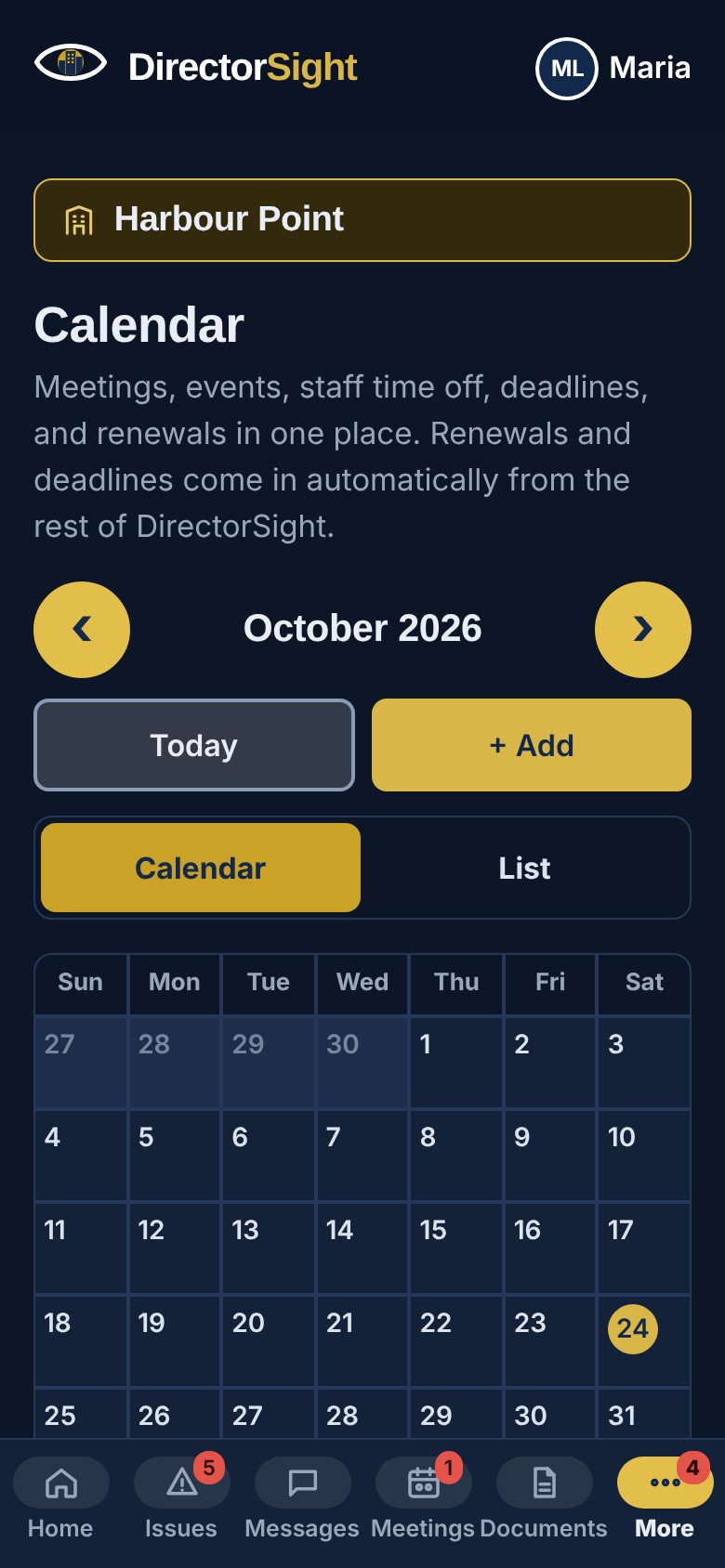
See what needs attention, and what's coming.
Anything urgent sits at the top of the home screen. Under it are the deadlines and requests that need attention, then every open issue, worst first — and meetings and notice dates on one calendar.
- Urgent issues go to the whole board and the manager.
- Meeting-notice deadlines worked out for you.
- What the board closed in the last 30 days, so the work that got done shows too.
Report an issue in three taps.
Where it is, what's wrong, a photo. Choose who gets it. Sending it to maintenance assigns it, and the manager is copied.
- Trespassing reports show whether police were notified.
- Vendors can be assigned straight from the issue.
- Maintenance staff see issues and tasks, never owner records or budgets.

Approved budgets, year to year.
Keep every budget the board adopts on record and compare any two years line by line. Changes of 10% or more stand out.
- Upload from Excel, CSV, or PDF.
- Reserve contribution and total change at a glance.
- Oversight only: day-to-day spending stays with your manager.

Committees, meetings, and Zoom links.
Keep each committee's members and meetings in one place. Board members tap Join to reach a Zoom meeting, and members get the details by email or text.
- Fining, finance, architectural review, landscaping, boat dock, or your own.
- Reminders for fining hearings and noticed meetings.
- Optional attendance for each meeting.

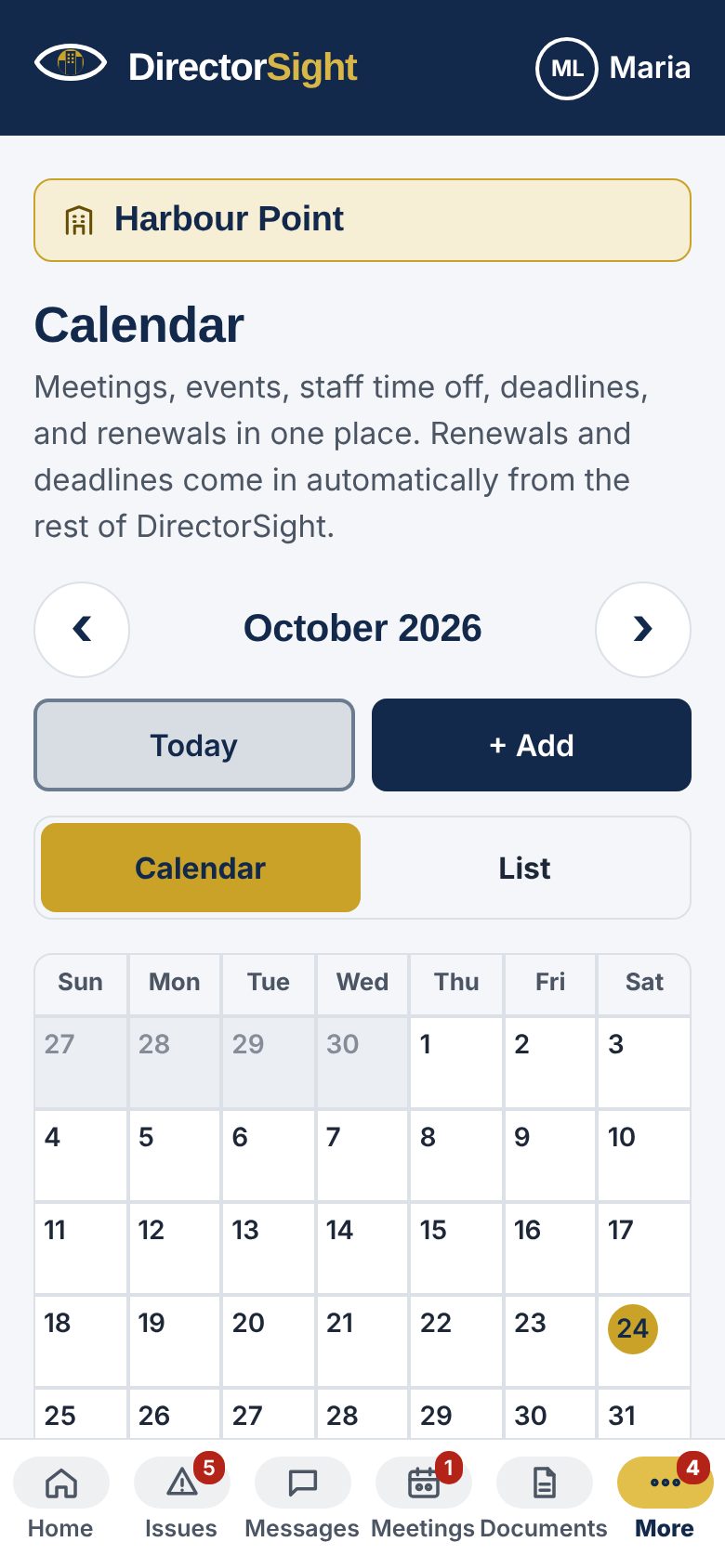
Easy to read, day or night.
DirectorSight follows your phone's light or dark setting, with large text and buttons sized for fingers.
Also in DirectorSight
A packet you can print
One tap turns the next meeting, what is urgent, what is open and what falls due into a plain black-and-white packet for the table — with the notice deadline marked if it has not gone out.
Safety notices to owners
Prepare a safety notice by email and text, for owners who agreed to receive them.
Every deadline in one list
Meeting notices, certifications, insurance renewals, contract end dates, reserve studies, and records requests, soonest first, with anything already missed at the top.
Owner records requests, on the clock
Log each written request the day it arrives. DirectorSight counts the 10 working days Florida allows (718.111(12), or 720.303(5) for an HOA) and flags anything close to the deadline or past it. What was produced, anything withheld and why, and any copy charges stay on the record.
Director certifications
New directors have 90 days to turn in the signed certification and education certificate. DirectorSight tracks each deadline and shows who is still outstanding.
Competitive bids and contracts
DirectorSight works out the bid threshold from your adopted budget and flags a contract or expense above it with no bid project on file, an award with no recorded board vote, or a winner whose license and insurance were never checked.
Board votes on the record
After a meeting, mark each director for, against, or abstaining. Florida requires the minutes to record a vote or an abstention for every director present, so the tally stays with the decision it belongs to.
Your manager keeps the records
One tap to the management company's records portal, plus links to the documents the board uses most.
Official records export
One download with every record and document, to help the board respond to an official records request under Florida Statutes 718.111(12). Each export is logged.
Budget, SIRS, and insurance at a glance
See what changed from last year's budget, when reserve studies and inspections are due, and when each policy renews.
Everyone sees what their role needs
Board members, your property manager, and maintenance staff each get the right view.
How setup works
Request access
Tell us your association's name, size, and whether it's governed by Chapter 718 or 720.
Get your link
We review each request and email a secure link that works once, for your email only.
Set it up and invite your board
About 15 to 30 minutes for the basics, and you can stop anytime and come back. Or send us your files and we load them.
Get the app
DirectorSight runs in your web browser, so there's nothing to download from an app store. Add it to your Home Screen and it opens like any app: its own icon, full screen.

iPhone and iPad
- Open DirectorSight in Safari.
- Tap the Share button.
- Tap Add to Home Screen, then Add.
Android
- Open DirectorSight in Chrome.
- Tap the menu (three dots).
- Tap Install app or Add to Home screen.
Works on computers too, in any current browser. The steps can look slightly different depending on your phone and browser. New versions arrive automatically: when one is ready, tap Refresh.
Private by design
- Each association has its own private space. No other association can see it.
- Owners never see the board's internal messages.
- Permissions are checked on our servers for every request, not just hidden on screen.
- Payments are handled by Stripe. We never see card numbers.
One price per association, by size.
Every feature and unlimited users on every plan: board members, property manager, and maintenance staff. 30-day free trial.
1 to 50 units or homes
$49 a month
51 to 150 units or homes
$79 a month
151 units or homes and up
$99 a month
No annual contract
Month to month. Stay because it helps your board, not because you're locked in.
Cancel anytime
An admin cancels in Subscription & Billing in a few taps. No fees and no phone calls.
Your card stays with Stripe
Payments are handled by Stripe. DirectorSight never sees or stores card numbers.
We never sell your data
Your association's information is used only to run DirectorSight for you.
Questions
Tap a question to see the answer.
We already use TownSq, Condo Control, or our manager’s portal. Why this too?
Because those are your management company's. The manager buys them, deploys them and administers them, and the board are users inside a system their own vendor controls. They are good at what they are for — owner payments, work orders, amenity bookings. What none of them will ever show you is that your manager is four days past the ten-working-day deadline on a records request, because the manager is the customer. DirectorSight is the board's own record, and it measures exactly that. Keep the owner portal; it is doing a different job. This one is for the five or seven of you who are personally on the hook.
Couldn’t we just use a shared Drive and separate email addresses?
You can, and plenty of boards do. Two things to know before you rely on it. A shared folder holds documents; it does not start a clock when an owner makes a written records request, does not show which director is waiting on what, and cannot produce the export you need when the ten working days are nearly up. And the common advice that a separate email address keeps board business out of discovery is simply wrong — association business is discoverable by what it says, not by which mailbox it sits in, and under Chapter 718 records scattered across personal accounts make the association's obligation harder to meet, not easier. If your board is small and quiet, a Drive is fine. If it is being asked for records, it is not.
Does DirectorSight replace our property manager?
No. Your manager keeps running day-to-day operations. DirectorSight gives the board its own view of issues, requests, deadlines, and approved budgets.
Who can see our association's information?
Only the people your board invites, each limited to their role. Other associations can't see anything, and owners never see board messages.
Can the board vote in the app?
No. Motions and decisions belong at a properly noticed board meeting, and DirectorSight says so when a message starts to read like one. What it does is record the result afterwards: each director marked for, against, or abstaining, which is what Florida requires the minutes to show (718.111(1)(b), or 720.303(2)(c)3 and (3) for an HOA).
Does it work for HOAs as well as condominiums?
Yes. When you set up, you choose Chapter 718 (condominium) or Chapter 720 (HOA), and DirectorSight adjusts its wording to match.
Can committee members use DirectorSight?
Not yet. Board members and the manager keep each committee's members, meetings, and video links in DirectorSight, and send meeting details and messages to members by email or text.
Do I download it from the App Store or Google Play?
No. DirectorSight is a web app: open it in Safari or Chrome and add it to your Home Screen. It then opens from its own icon, like any app, and updates itself.
Can DirectorSight help with an official records request?
Yes, in two ways. DirectorSight logs each written request and counts the 10 working days Florida allows to make the records available, so the board can see what is due and what is late. And a board member or admin can create one export with every record (as spreadsheets) and every uploaded document. The association still decides what to provide and what to redact, such as personal information the statute protects, and remains responsible for meeting the deadline, with its attorney's advice.
Can we try it before paying?
Yes. Every association gets a 30-day free trial with every feature.
What happens when the trial ends?
DirectorSight becomes read-only. Nothing is deleted, the whole board can still read everything, and an admin can still create the full records export. Start a subscription and the board can add and change records again. A failed payment works the same way, after two weeks' grace and a warning in the app.